


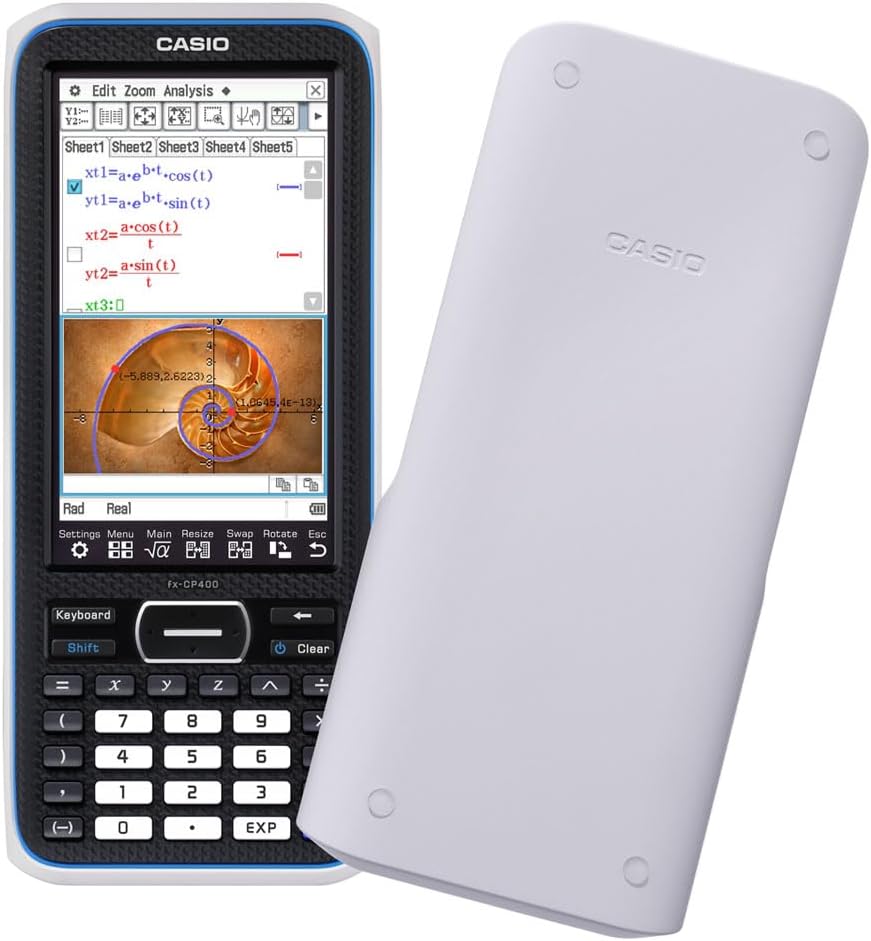

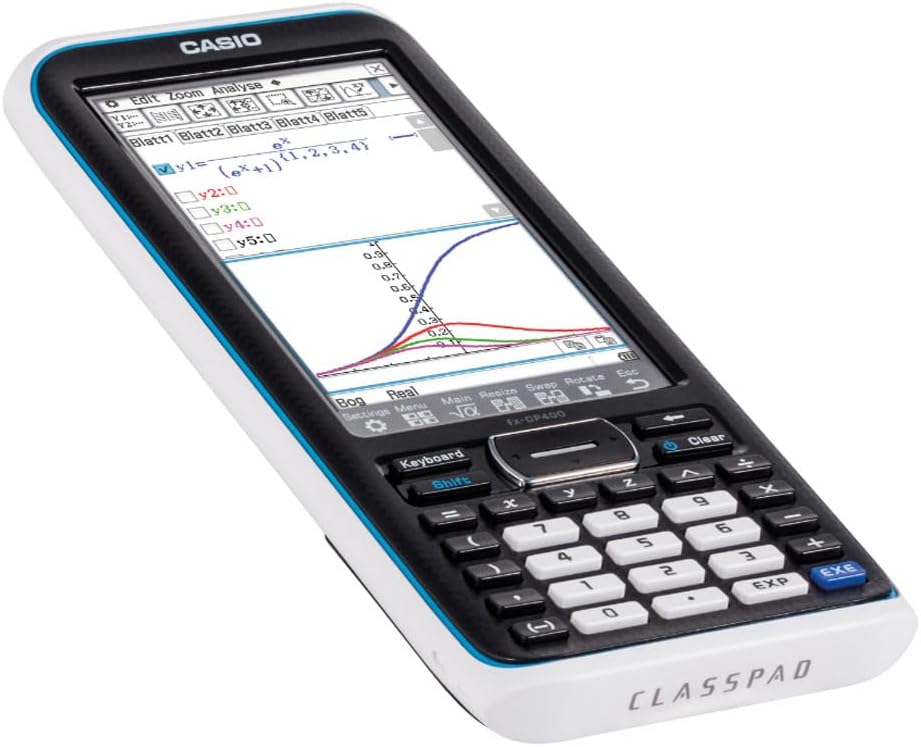
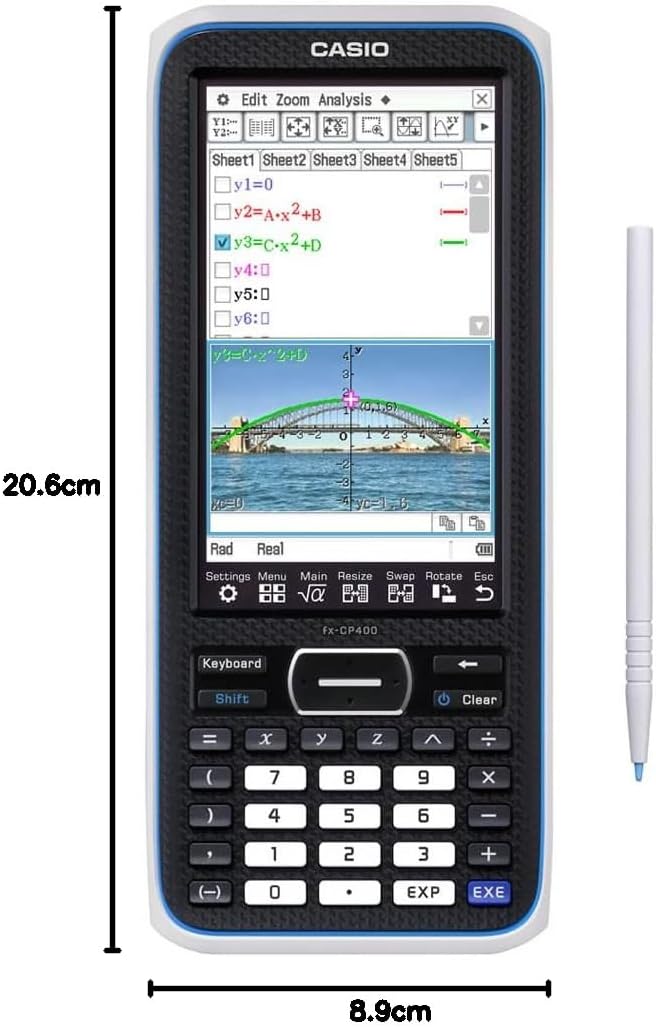
Casio FX-CP400 classpad II Graphing Calculator
148,74 €
Related Products



Price: €148.74
(as of Nov 16, 2025 20:03:58 UTC – Details)
From the manufacturer

ClassPad II
 What is a Computer Algebra System (CAS)?
CAS calculators allow you to solve arithmetic tasks from a wide range of fields of mathematics, from calculating simple tasks to working with symbolic expressions such as variables, functions and matrices.
For example, a CAS calculator can form derivative functions or the root function of an origin function, and also perform term reforms or change equations.
Casio ClassPad II
Graphing Calculator with Computer Algebra System
With the ClassPad II (FX-CP400), Casio presents the new model of the ClassPad series, following the trend towards practical teaching and independent learning – and thus the increased use of graphics calculators with computer algebra system (CAS) system. Different areas of application can be interactively linked, opening up new didactic possibilities and illustrating mathematical problem solving in different ways.
Large, rotating colour display (4.8 inches, 320 x 528 pixels) Use as with tablets with your finger or pen Computer Algebra System Use of standard batteries Updatable software German user language 5.5 MB flash ROM memory and 24 MB USB flash memory USB Mass Storage
Selected Features

Horizontal/vertical display
The display can be positioned horizontally or vertically by pressing a button. Long mathematical expressions are fully and clearly displayed on the large display.

Virtual Keyboard
The functions of the software keyboard are well arranged. The integrated formula editor allows you to enter terms and equations in natural notation: Input and output look like in the math book.

Parameter change
Previously defined calculation steps are recalculated after editing the output function.

slider
Parameters can be modified via slider, so graphs can be manipulated.

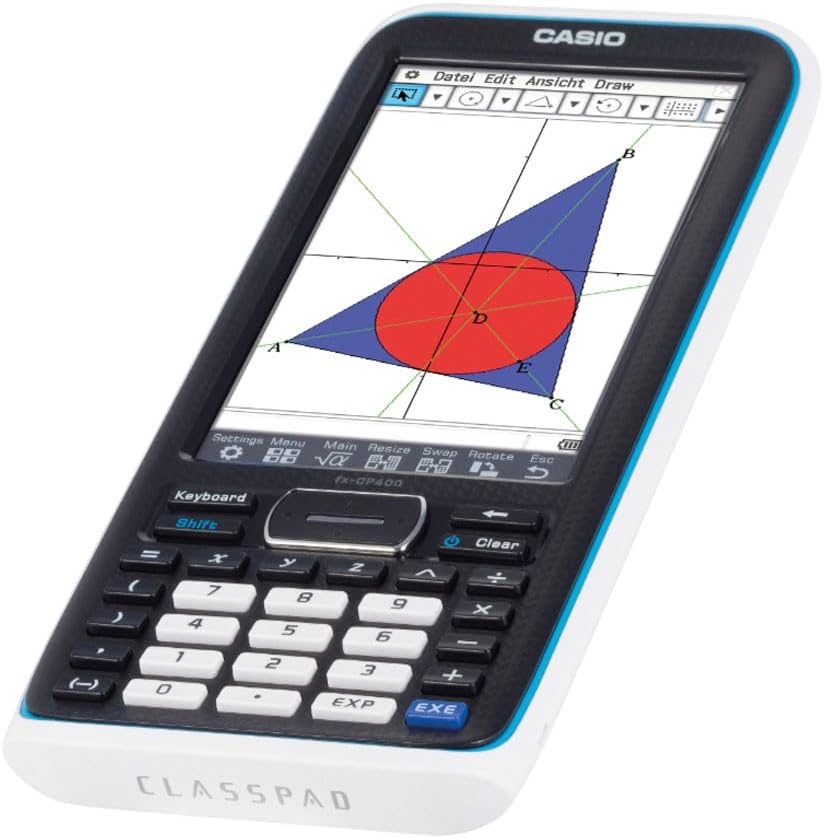
Dynamic Geometry
Dynamic figures can be displayed and edited with different construction systems. Animations help explore laws.

Drag and drop
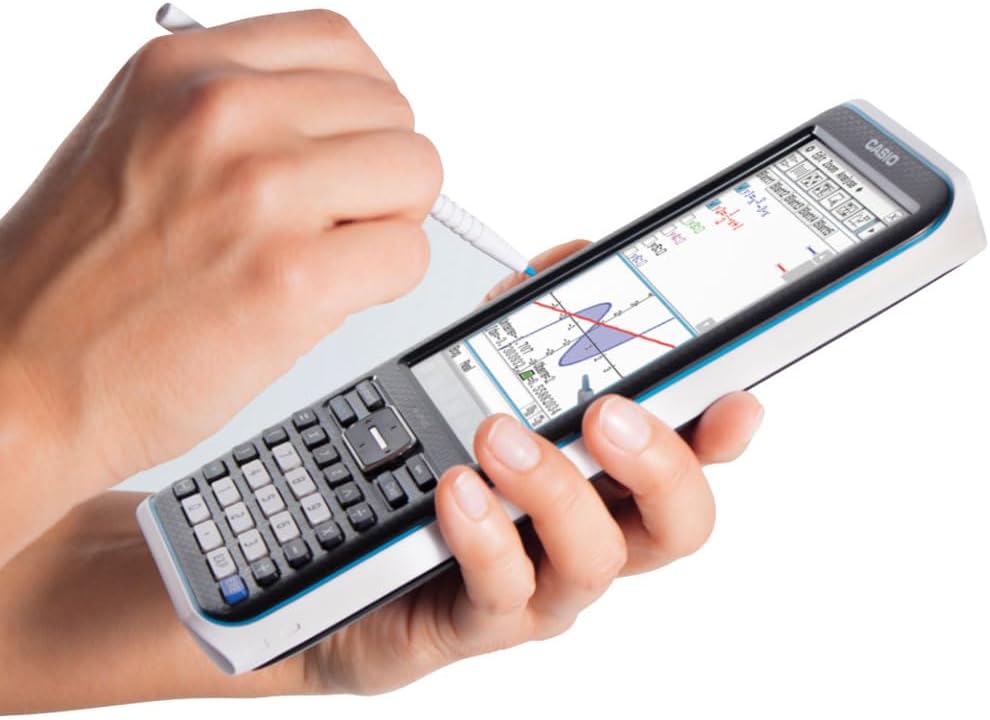
The touch-sensitive display makes it easy to use drag and drop to display functions.

Statistics/Stochastics
Assistants help calculate and display probabilities, distributions and tests

Area between intersections
The integral surfaces between the intersections of multiple functions can be displayed and calculated in colour.

Photo and video analysis
This application is suitable for mathematical analysis of pre-installed photos and videos. By drawing auxiliary points, e.g. regressions are performed or functions experimentally found.

Interactive differential calculus
This application allows visualization of the dynamic transition from secant slope to tangent slope in a freely selectable point of the represented graph.

physium
The Physium add-in contains the basic nature constants and the periodic table of the elements with detailed data on each element.

eActivity
In the integrated eActivity application, problems and text can be linked to electronic worksheets.
Batteries : 4 AAA batteries required. (included)
Product Dimensions : 20.6 x 8.9 x 2.1 cm; 314 g
Date First Available : 7 July 2021
Manufacturer : Casio Europe GmbH
ASIN : B098MCG1N1
Item model number : FX-CP400
Country of origin : China
Guaranteed software updates until : unknown
Best Sellers Rank: 7,349 in Stationery & Office Supplies (See Top 100 in Stationery & Office Supplies) 3 in Graphing Calculators
Customer reviews: 4.5 4.5 out of 5 stars 271 ratings var dpAcrHasRegisteredArcLinkClickAction; P.when(‚A‘, ‚ready‘).execute(function(A) { if (dpAcrHasRegisteredArcLinkClickAction !== true) { dpAcrHasRegisteredArcLinkClickAction = true; A.declarative( ‚acrLink-click-metrics‘, ‚click‘, { „allowLinkDefault“: true }, function (event) { if (window.ue) { ue.count(„acrLinkClickCount“, (ue.count(„acrLinkClickCount“) || 0) + 1); } } ); } }); P.when(‚A‘, ‚cf‘).execute(function(A) { A.declarative(‚acrStarsLink-click-metrics‘, ‚click‘, { „allowLinkDefault“ : true }, function(event){ if(window.ue) { ue.count(„acrStarsLinkWithPopoverClickCount“, (ue.count(„acrStarsLinkWithPopoverClickCount“) || 0) + 1); } }); });
Large, rotating colour display (4.8 inches, 320 x 528 pixels)
Use as with tablets with your finger or pen
Computer Algebra System
Use of standard batteries
Updatable software
German user language
5.5 MB flash ROM memory and 24 MB USB flash memory
USB Mass Storage


Es liegen noch keine Bewertungen vor.